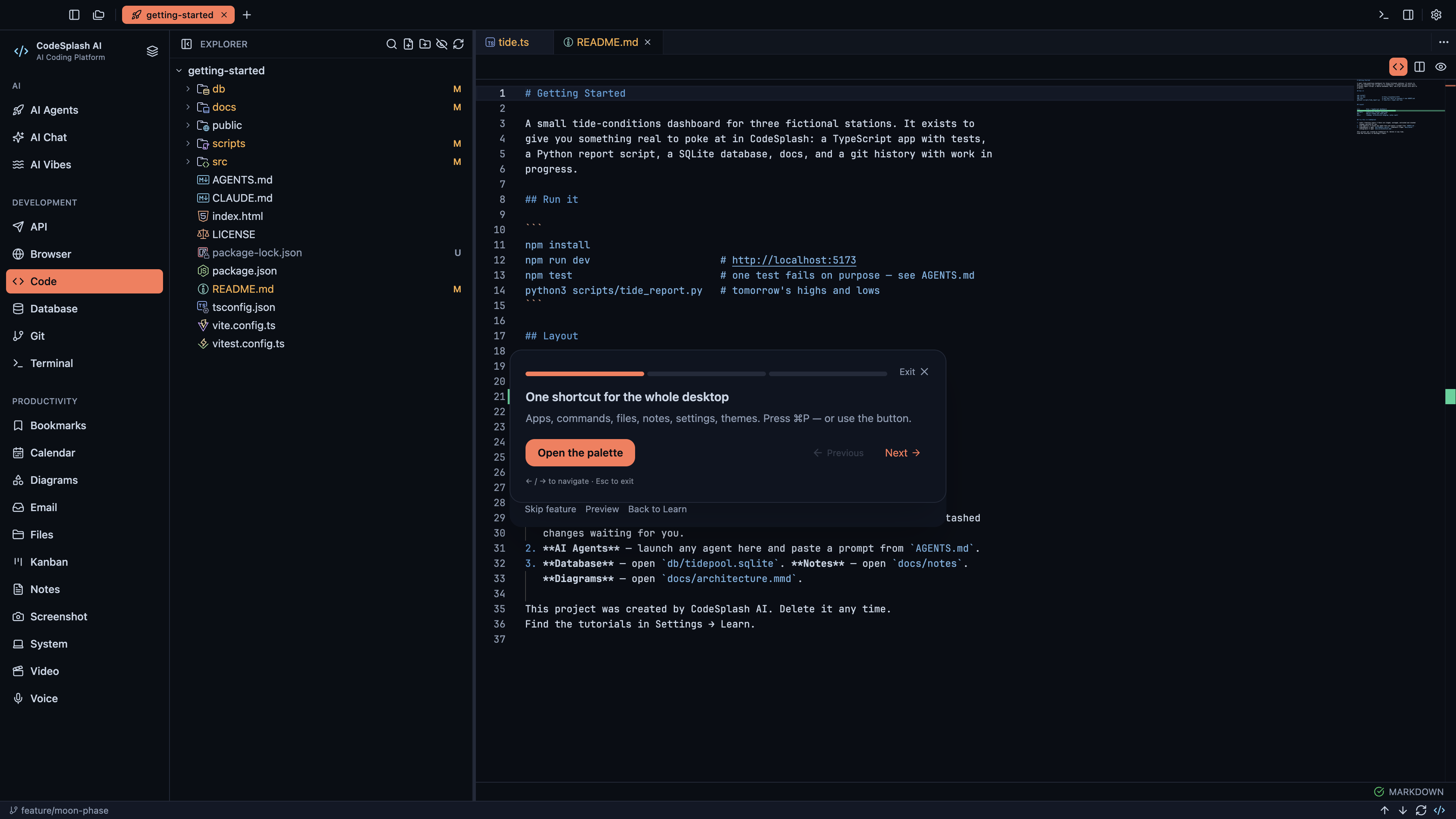
This guide follows the Find anything with the command palette tour in CodeSplash AI 2.4.32. Open Settings → Learn and choose the matching tour.
Watch the matching 4K walkthrough. The website and YouTube use the same recording from the actual application.
Follow the tour
One shortcut for the whole desktop
Apps, commands, files, notes, settings, themes. Press ⌘P — or use the button.
Type what you want
Try “git” to jump to the Git app, or “theme” to switch looks. Results learn from what you pick.
Fast beats familiar.
Every command in the menus is in here too. Settings → Shortcuts lists all of them.
Feature screenshots
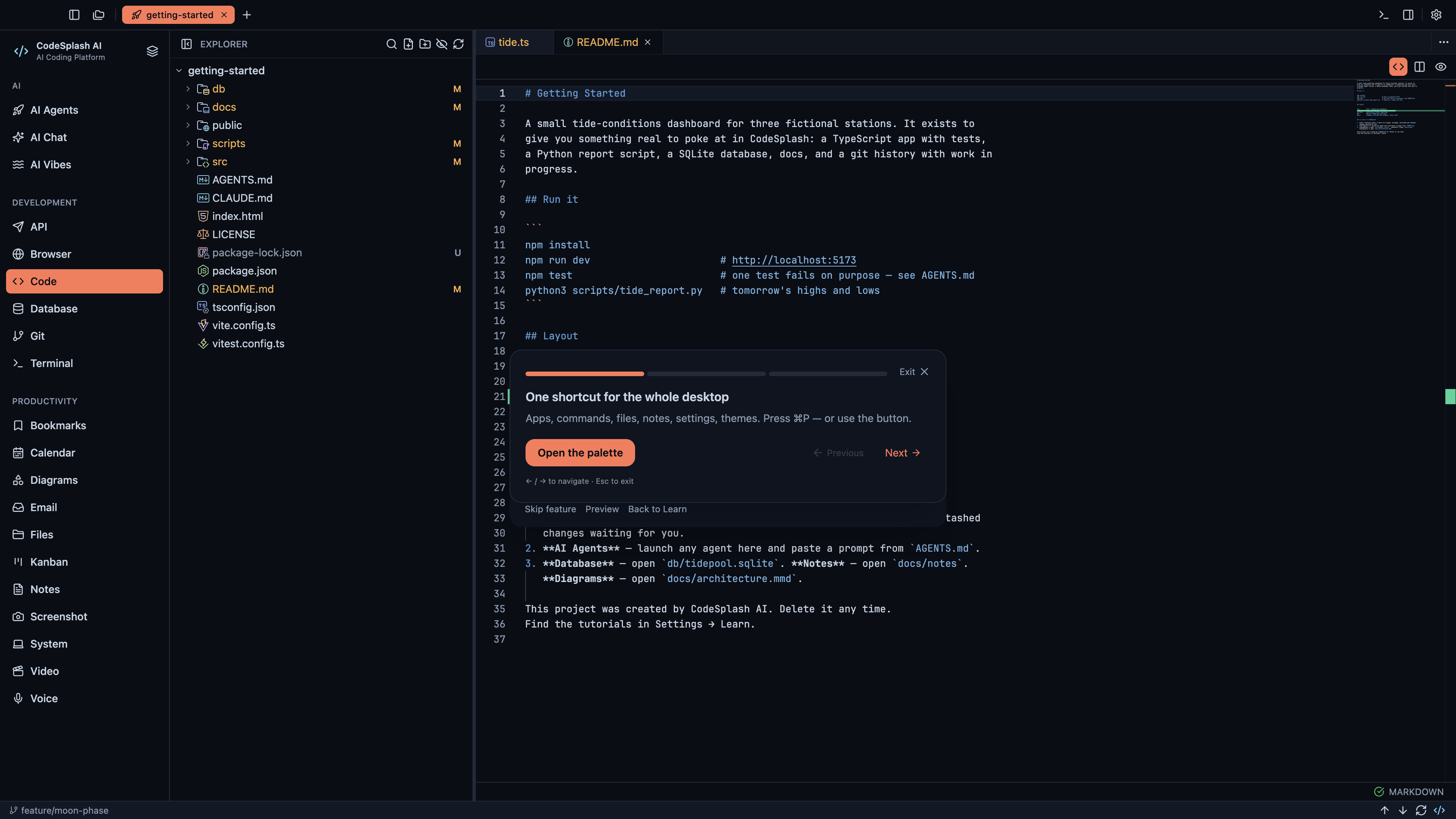
One shortcut for the whole desktop · View native 4K image
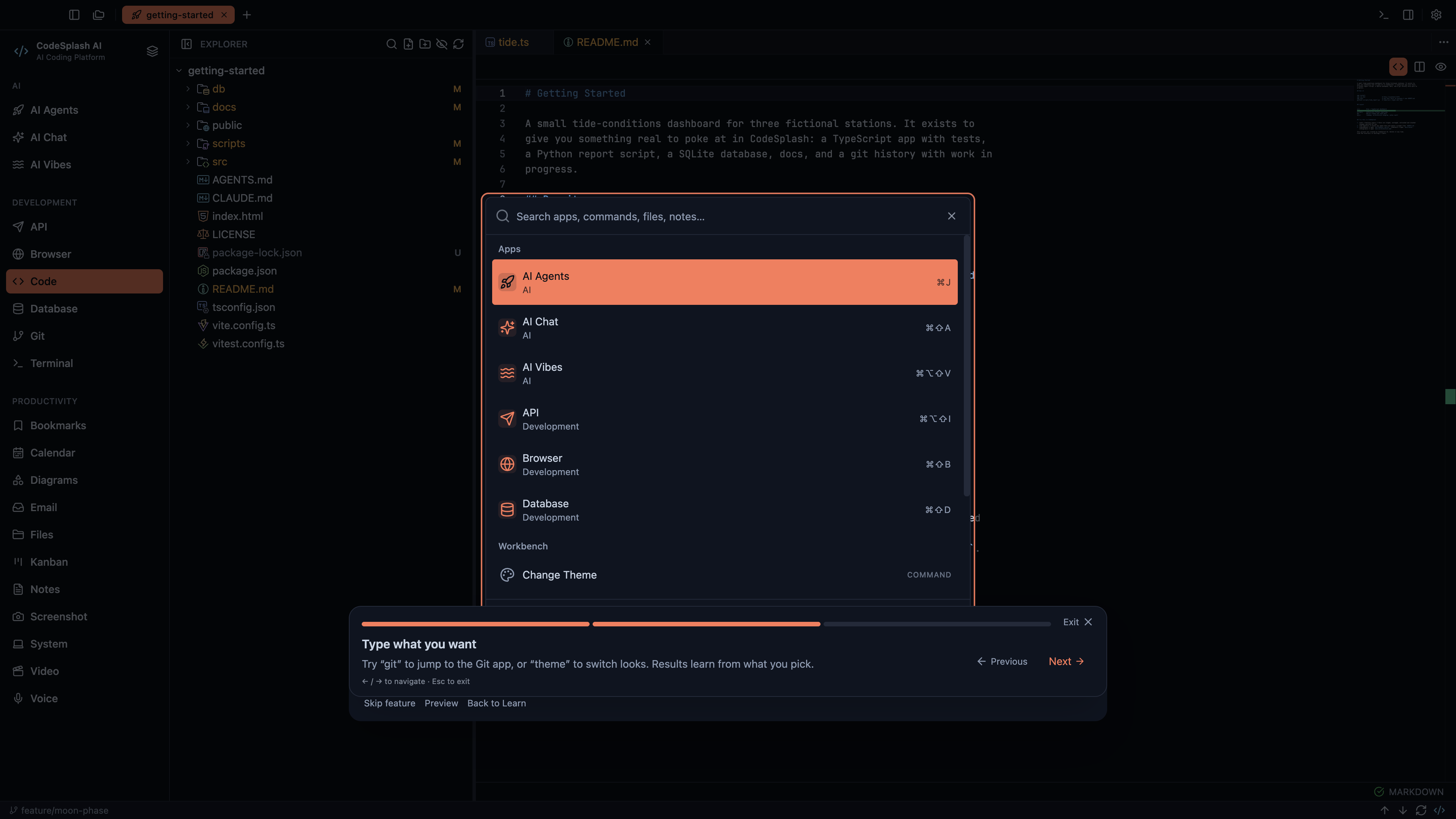
Type what you want · View native 4K image
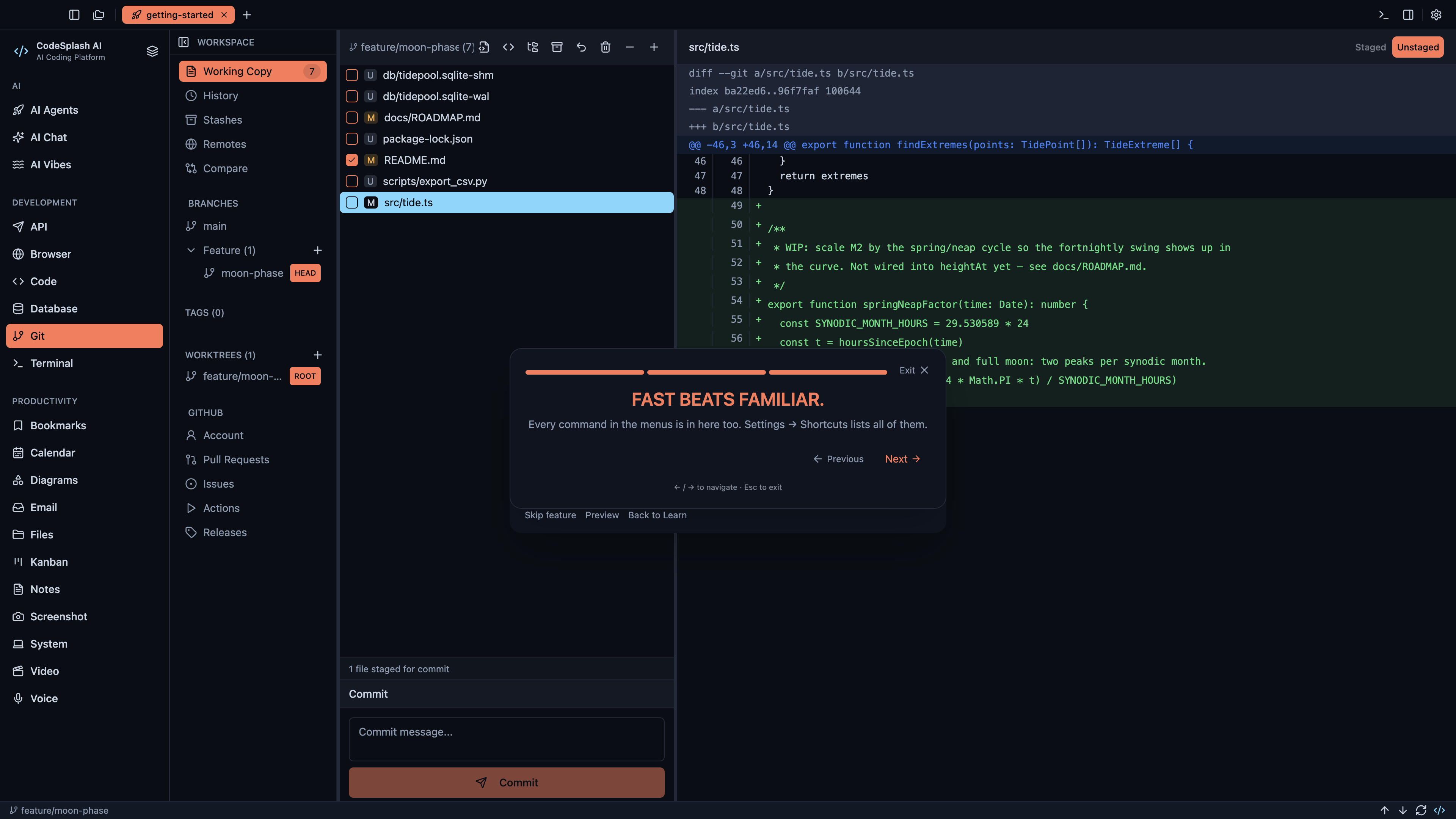
Fast beats familiar. · View native 4K image