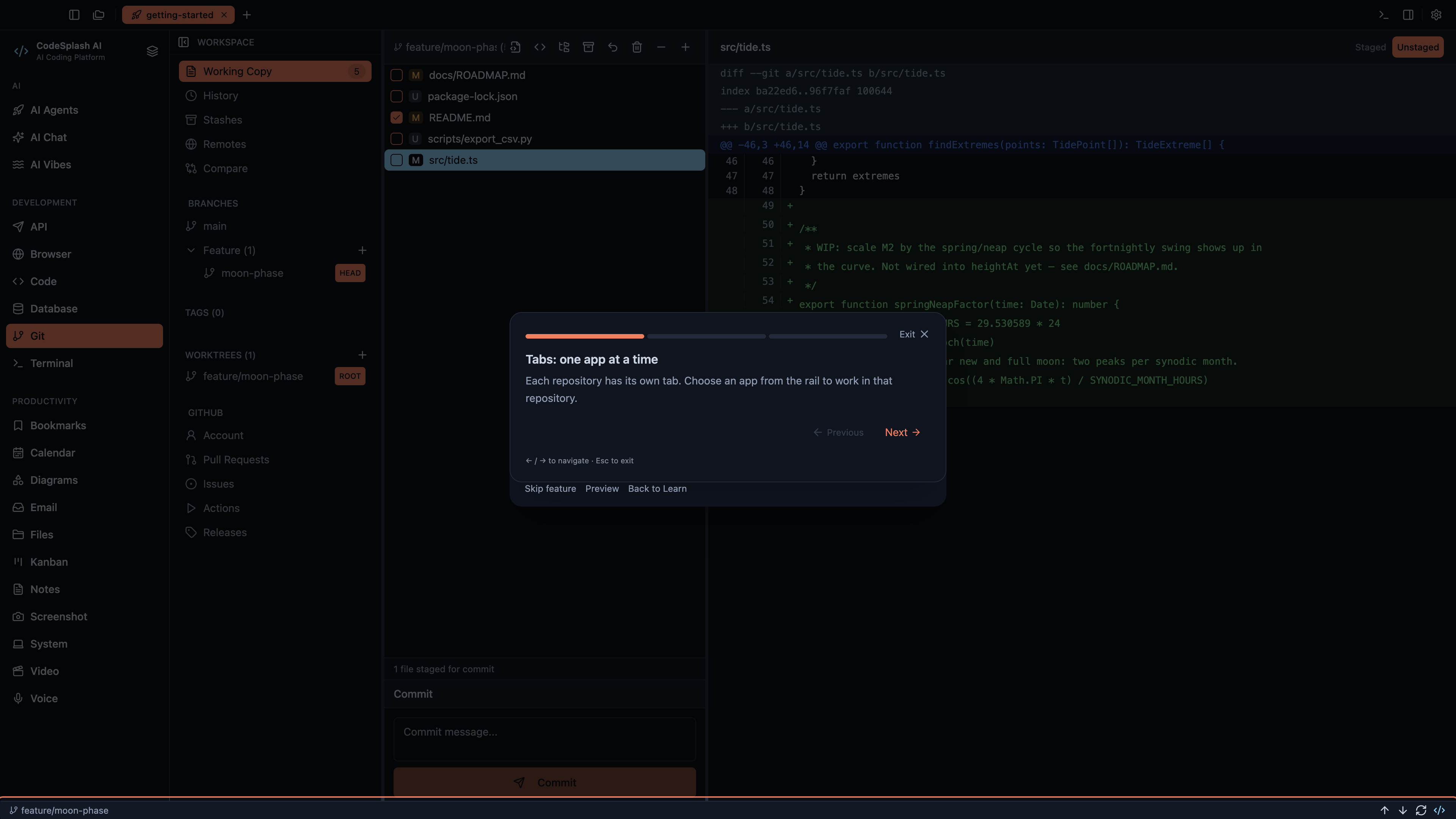
This guide follows the Workspaces and panel controls tour in CodeSplash AI 2.4.32. Open Settings → Learn and choose the matching tour.
Watch the matching 4K walkthrough. The website and YouTube use the same recording from the actual application.
Follow the tour
Tabs: one app at a time
Each repository has its own tab. Choose an app from the rail to work in that repository.
Workspaces: a canvas of panels
These controls show, arrange, minimize, restore, or close panels. This demonstration leaves your other panels intact.
Choose your layout
Use Next to go through the tutorial again, or Back to Learn to return to where you started.
Feature screenshots
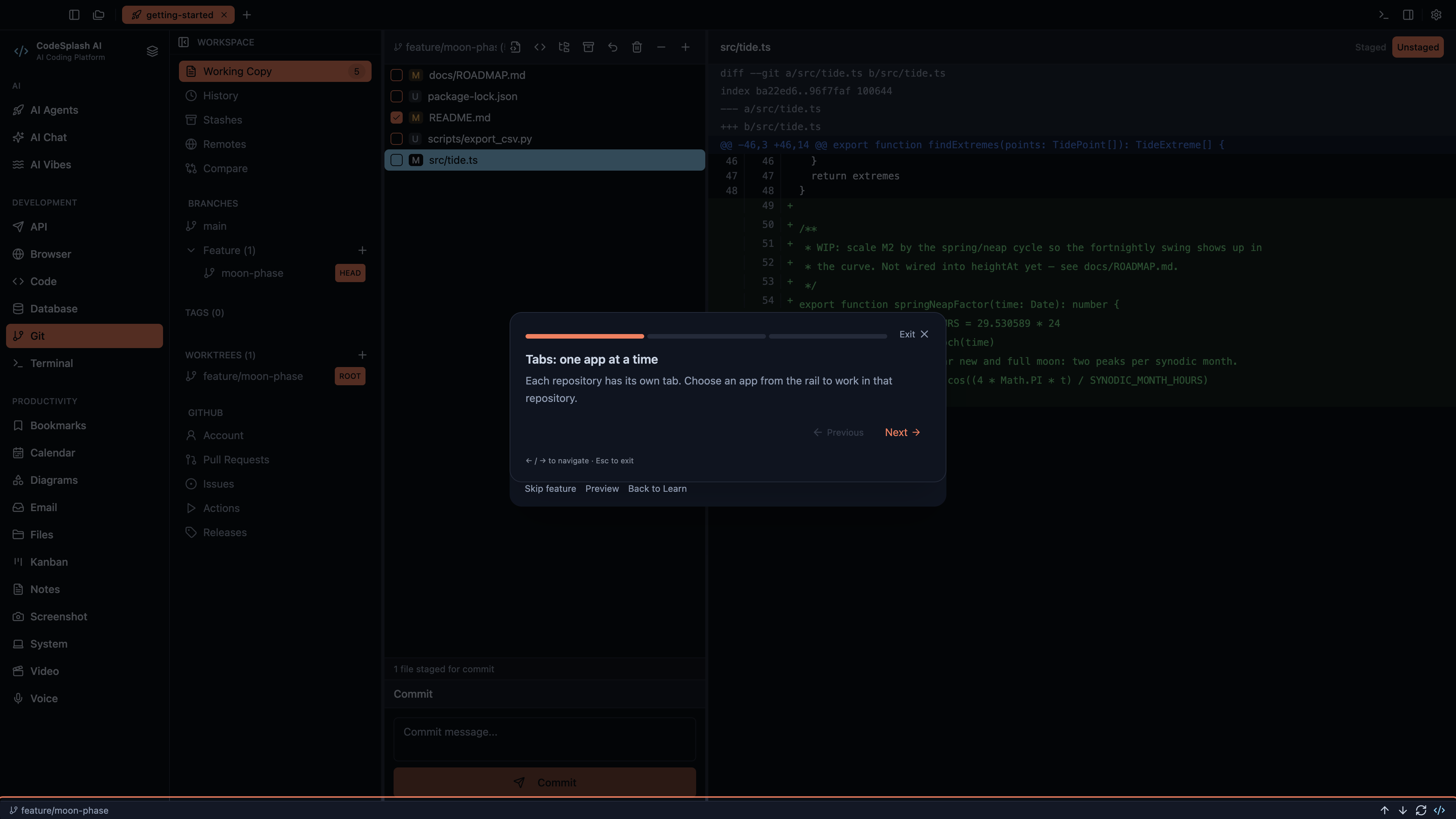
Tabs: one app at a time · View native 4K image
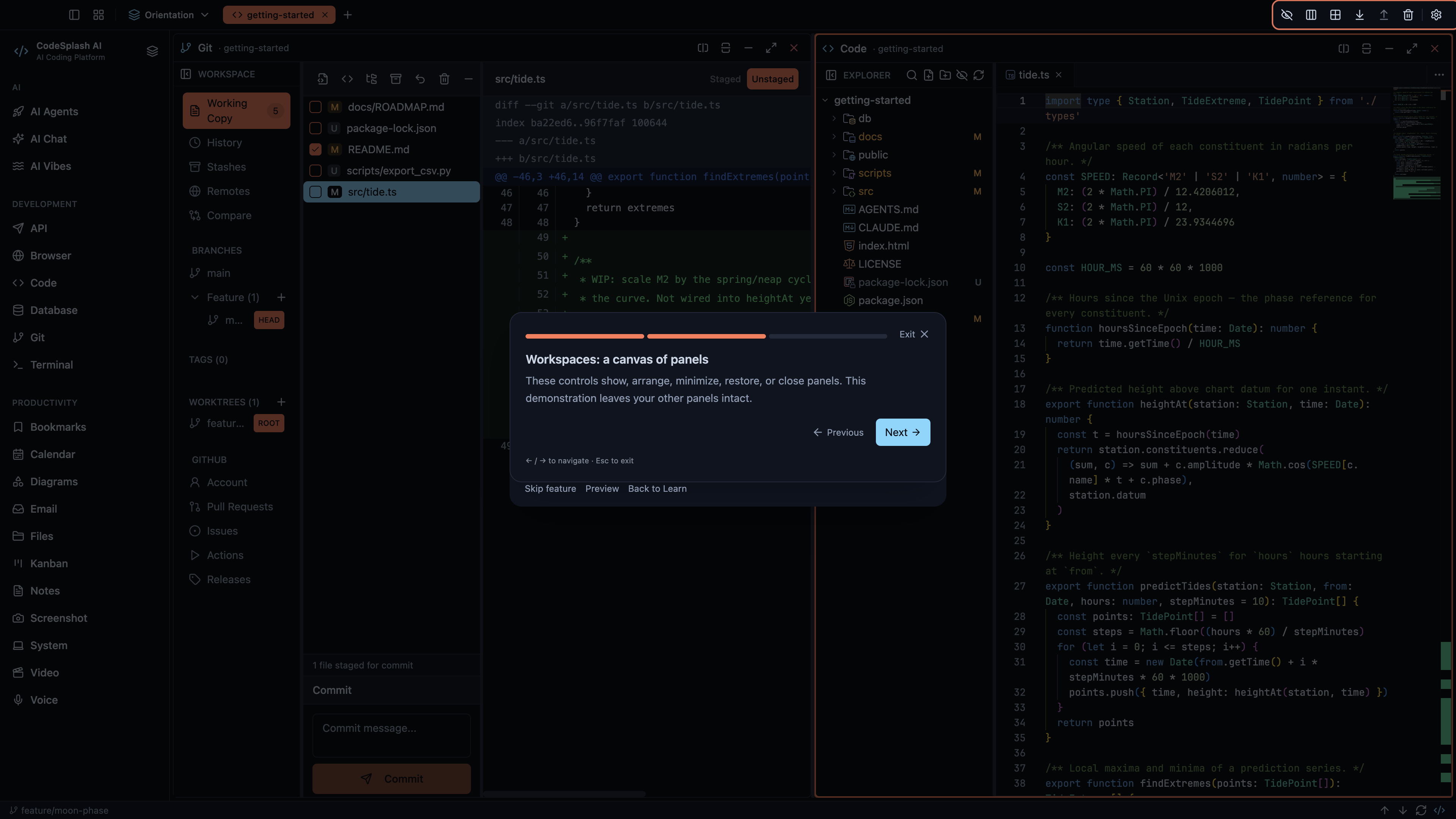
Workspaces: a canvas of panels · View native 4K image
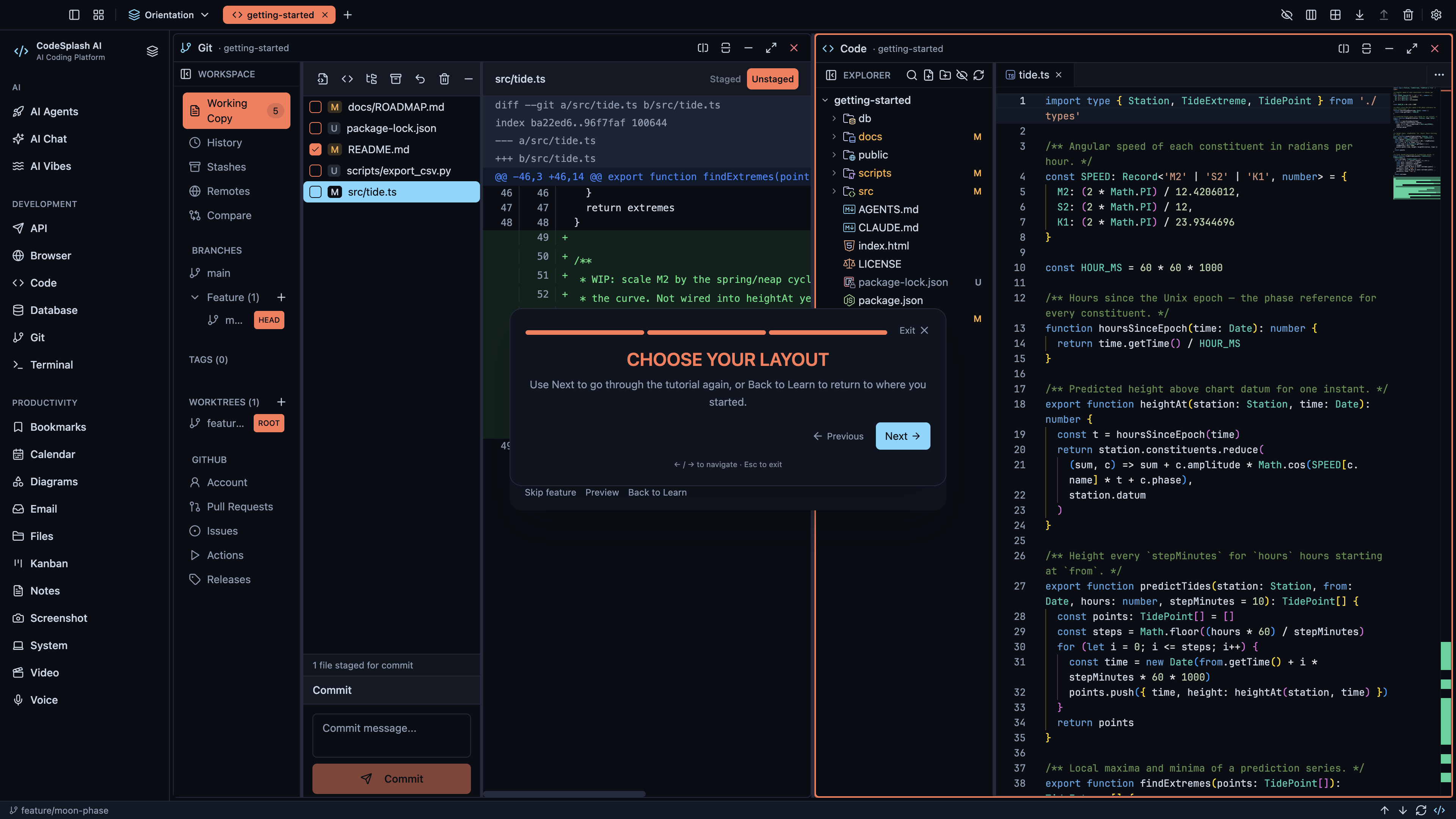
Choose your layout · View native 4K image